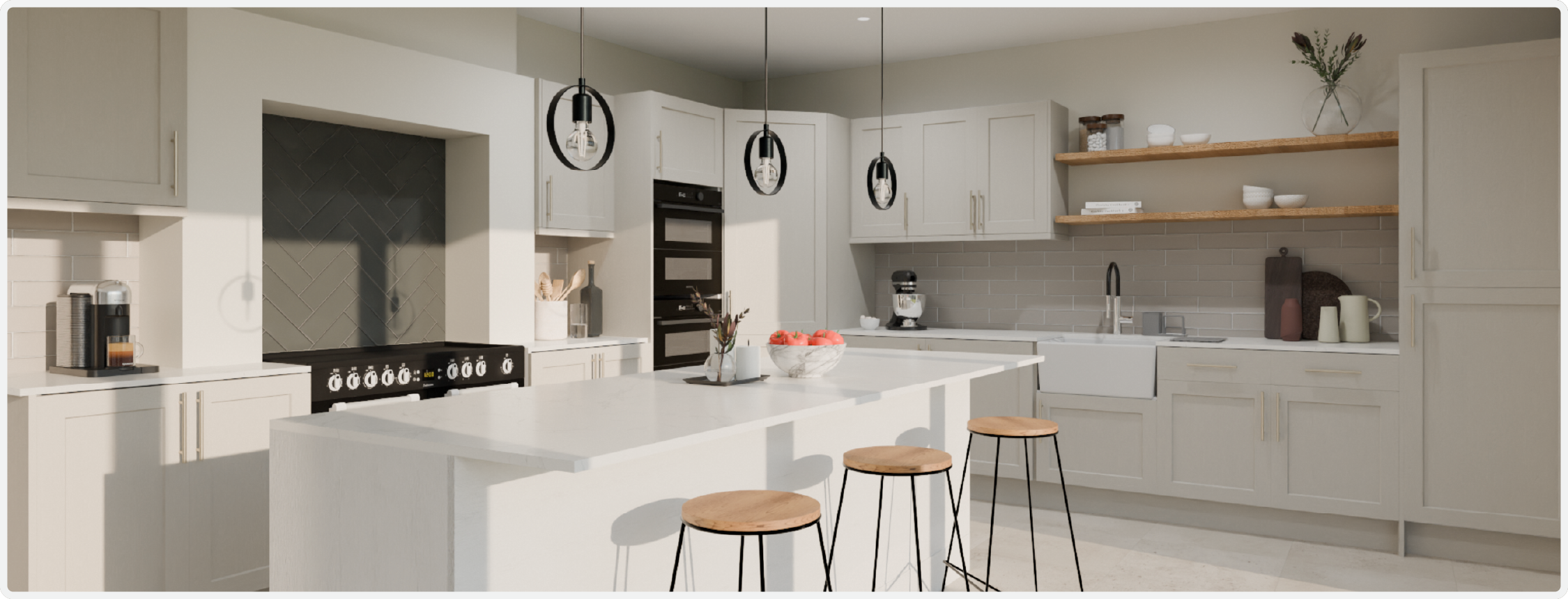
Render of a kitchen using the 3D Cloud Kitchen Designer
What makes it unique?
The 3D Cloud Kitchen Designer transforms the traditional kitchen design process by combining intelligent consultation workflows with enterprise-grade 3D visualization. The system integrates real appliance catalogs, material libraries, and pricing data to create accurate, buildable designs that clients can visualize and approve in real-time.
Purpose-built for kitchen design professionals
Consultation-to-design workflow in under 30 minutes
Real-time 3D rendering with photorealistic materials
Multi-format exports for contractors and installers
Material list and pricing outputs for quoting
Cloud-based platform accessible anywhere, anytime
Fast Facts
15–20 min average consult time
5–10 min average session duration
95% client approval rate (first presentation)
50K+ kitchen designs created
3x faster design process speed
40% reduction in design revision cycles
Security
All 3D Cloud applications are hosted in a secure cloud environment with layered architecture, redundancy, and 24/7 monitoring.
Regular penetration and vulnerability testing
SOC 2 Type I & II compliant
ISO 27001/2013 certified
Encrypted and automatically backed-up client design data
System Integrations
CRM integration for client management and follow-up
Pricing APIs for real-time appliance and material costs
CAD export compatibility for contractor handoff
Marketing automation for proposal generation
Project management tools for workflow tracking
Cloud storage for design library and client access
How is it different?
Instant 3D visualization: See designs in real-time
Designer-optimized workflow: Built by designers, for designers
Marketing materials included: Presentations and tear sheets
Time-saving automation: Auto-generate floor plans, elevations, and BOMs
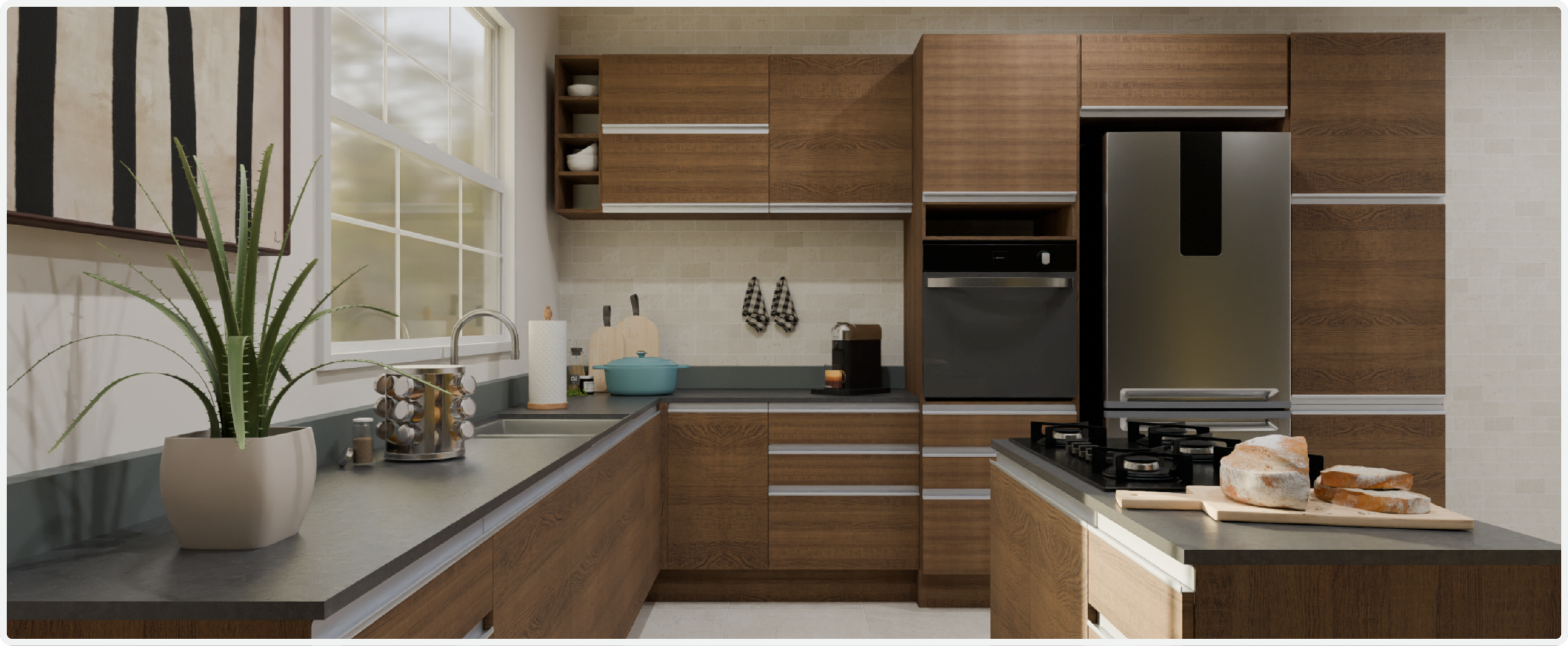
Kitchen render using the 3D Cloud Kitchen Designer
Exclusive Features
Assisted Design - Automatically generate workspaces and designs.
Design from Photo - Design and styling applied to your project based on curated photos.
Analytics Dashboards - Track sessions, users, projects, conversion rates and other KPIs.
Furniture and Decor - Thousands of non-buyable 3D models to personalize your scene — furniture, décor, plants, and more.
Inspiration Rooms - Browse inspiration rooms that auto-generate complete designs for a quick starting point.
Room Scan Feature (iOS) - Scan a room to auto-generate a floor plan and upload it to the planner instantly.
Standard Planner Features
ADA-compliant Controls - Accessible drag handles and interaction patterns for assistive technology users.
Full Keyboard Navigation - Place, move, rotate, and select products entirely with keyboard — no mouse required.
Get Help Button - Customizable help button on startup, journey, and main menu screens.
Cabinet Styling - Swap all cabinet colors or choose different colors for upper and lower cabinets. Quick-style with keyboard commands.
Custom Countertops - Edit countertop dimensions, edge profiles, drain grooves, grain direction, and upstand placement.
Custom Image Upload - Upload any photo to create custom wall textures, floor coverings, or murals.
Data Driven Product Attachement - Data defined rules for how products can attach to each other to create modular designs (e.g., sectional sofas).
Drag and Drop Placement - Place products with drag-and-drop or shortcut keys with smart snapping and alignment.
Molding and Trim - Add crown, plinth, toe-kick, and baseboard molding with selectable profiles and finishes.
Plan Mirroring - Flip your entire design layout vertically or horizontally in one click.
Product Customization - Style individual or all products with data-driven options like colors, materials, finishes, and hardware.
Room Styling - Customize wall colors, flooring, wall tiles, and molding.
Tiling and Backsplash - Apply different tiles, patterns, and grout styles to any surface.
Add-to-Cart - Support integrations with eCommerce websites or POS systems.
CMS/DAM/PIM Integration - Integrate with content, digital asset, and product management systems.
CRM Integration - Connect to your CRM to capture leads and manage customer relationships.
Custom Branding - White-label the platform to match your website and brand identity.
Pricing and Inventory - Live and scheduled integrations to keep catalogs current.
SSO and Authorization - Single sign-on and permission controls for enterprise security.
Annotations - Add notes for customers or installers.
Clash and Fix Alerts - Alerts for conflicts or fixes based on rules like preventing product overlap.
Grouping - Group products and create favorite sets.
Move Products by Distance - Move products by exact distances for precise placement.
Multi-select - Select multiple products for bulk editing.
Product Dimensions - View product dimensions.
Product Measurements - Create and view product-to-product measurements.
Room Dimensions & Measurements - Create and view room or space measurements.
Bill of Materials - Auto-generated BOM with drawings and cut lists.
Design Packet Export - Export full project packages with elevations, lists, and renders.
HD Rendered Screenshots - Generate high-quality images of your project.
Panographic Render - View your room in a panoramic render for browser or VR.
PDF Export - Export BOM and design images as a polished PDF.
Real-time pricing - View live project cost estimates during design.
Screenshot Download - Save the current camera view as an image.
Screenshot Editor - Edit rendered screenshots with post-processing controls.
Screenshot Gallery - Organize all renders and screenshots in one place.
Cabinet Catalog Swapping - Swap cabinet catalogs without losing your design.
Cabinet Catalogs - Support for generic, in-stock, semi-custom, and custom catalogs.
Search & Browse - Search and browse product catalogs across multiple categories.
Mobile Web View - Allow customers to view and collaborate on projects via mobile.
Project Sharing - Save, share, and collaborate on projects.
Projects Management - Search, filter, and manage projects with version history.
Read-Only Sharing - Share designs in a locked, read-only format.
Custom Ceilings - Support vaulted, angled, cathedral, and custom ceilings.
Floor Plan Drawing - Draw floor plans or use predefined shapes.
Floor Plan Trace - Trace floor plans and add architectural elements.
Room Templates - Start designs with pre-built room templates.
Smart Wall Drawing - Auto-snapping walls with real-time measurements and enclosure tools.
2D Camera - Design in a top-down 2D view.
3D Camera - Design in a 3D environment.
Elevation Views - View overhead and elevation drawings with dimensions.
Lighting Controls - Adjust lighting, sun position, and time of day.
Quick-View Hotkeys - Switch between views quickly using keyboard shortcuts.
Render Style Options - Toggle real-time styles like wireframe or color fill.
Who is using it?
Lowe’s
B&Q
Brico Dépôt
Coming Soon
Customer-designer collaboration on projects and BOMs
Capture kitchen photos to auto-generate dimensions and details for planning
For offline reading or sharing, access the full article as a PDF: Download here